Step 1
Download
Get the Windows beta package from the Download page.
 AGT
WinUI 3 operation console
Getting started
Install the beta package, open AGT WinUI 3, confirm language, then review the evidence pages before any formal decision.
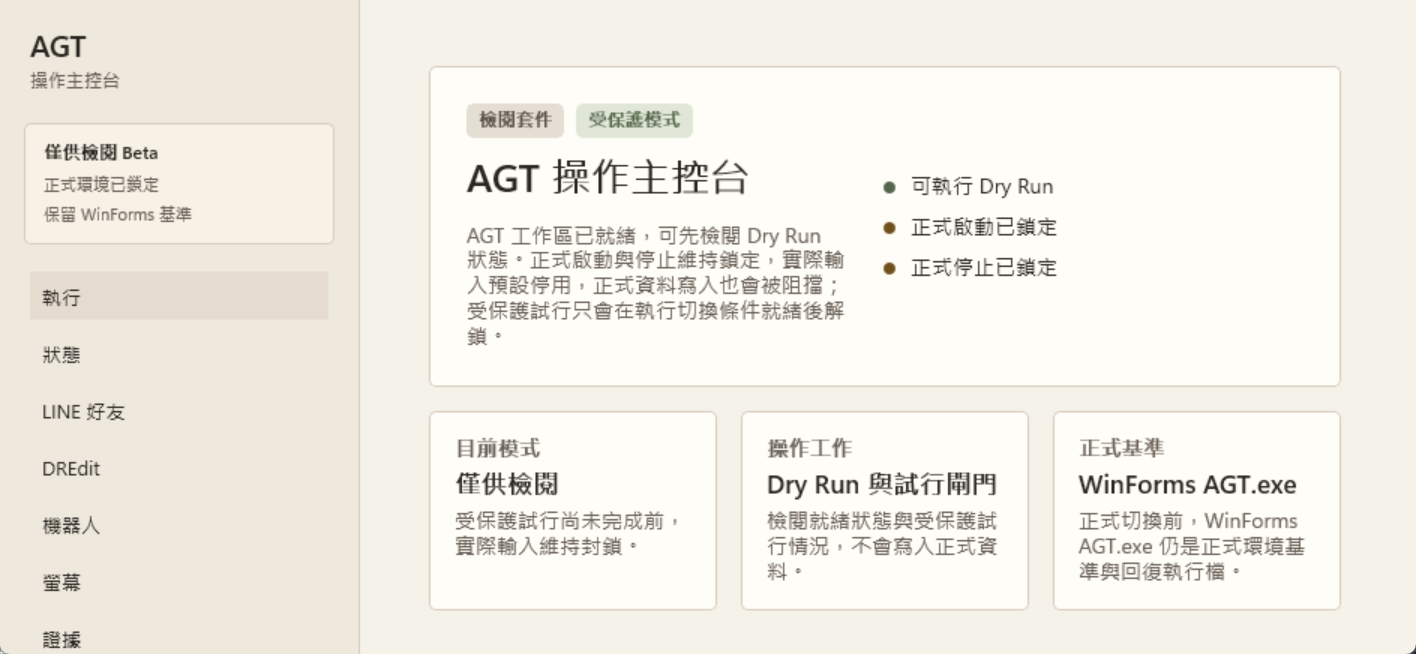
Current status
Review-first beta for inspection and rehearsal; production writes and cutover still require operator-machine evidence.Step 1
Get the Windows beta package from the Download page.
Step 2
Launch the WinUI app and confirm the UI language and navigation.
Step 3
Check Dashboard, Run, LINE Friends, Screen Settings, Migration Evidence, and License.
First check
Screen Settings records the real machine conditions that decide whether formal release gates can move.